

Your course question bank is the repository that stores any quiz questions you might want to use in your course. You can prepopulate the question bank with categories and questions.
this text will be removed

Tips
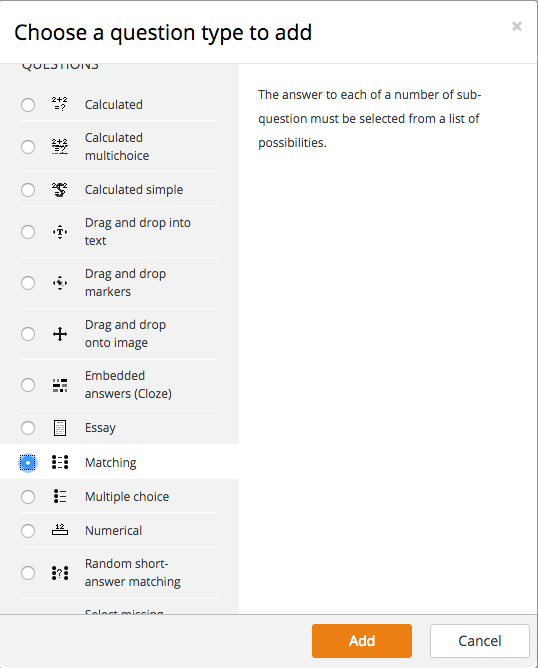
You can click each question type to see a brief description. All question types except essay can be automatically graded. Essay question require manual grading.
this text will be removed
Video Overview
Steps
- Click Questions from the "Question bank" drop-down in the "Course administration" menu.
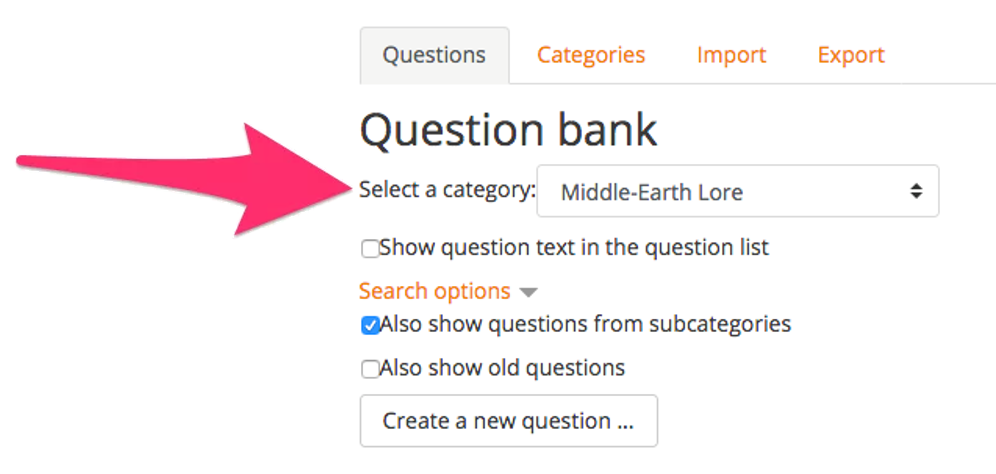
- In the "Select a category" field, select the category you want to place your question into.
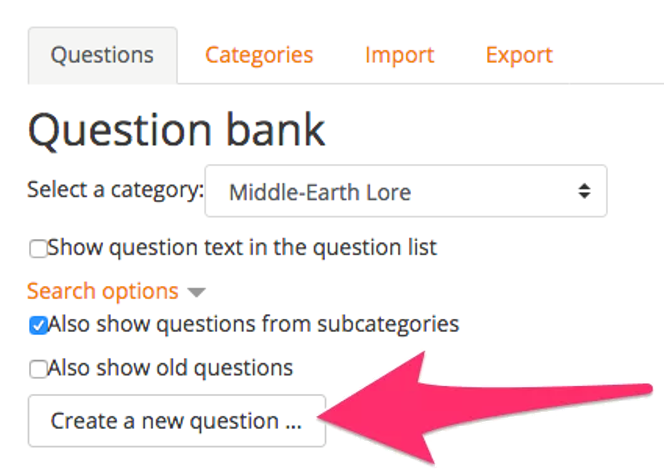
- Click Create a new question.
- Choose the question type you want to create from the list and click Add..

FAQs
No FAQs yet. Use the comment field below to ask questions.
Last Update: March 1, 2018
